Avicenna enables you to screen prospective participants against specific inclusion and exclusion criteria, ensuring that only those who qualify can join your study. This can be achieved by creating an Eligibility Survey for your study, adding the necessary questions, and then defining criteria based on their responses. In this section, we explain how to do this in Avicenna Research.
Eligibility Survey
To create an Eligibility Survey, follow these steps:
-
Start by creating a new activity. For detailed instructions on creating activities, see Accessing Activities.
-
When selecting an activity type, choose Eligibility Survey.
-
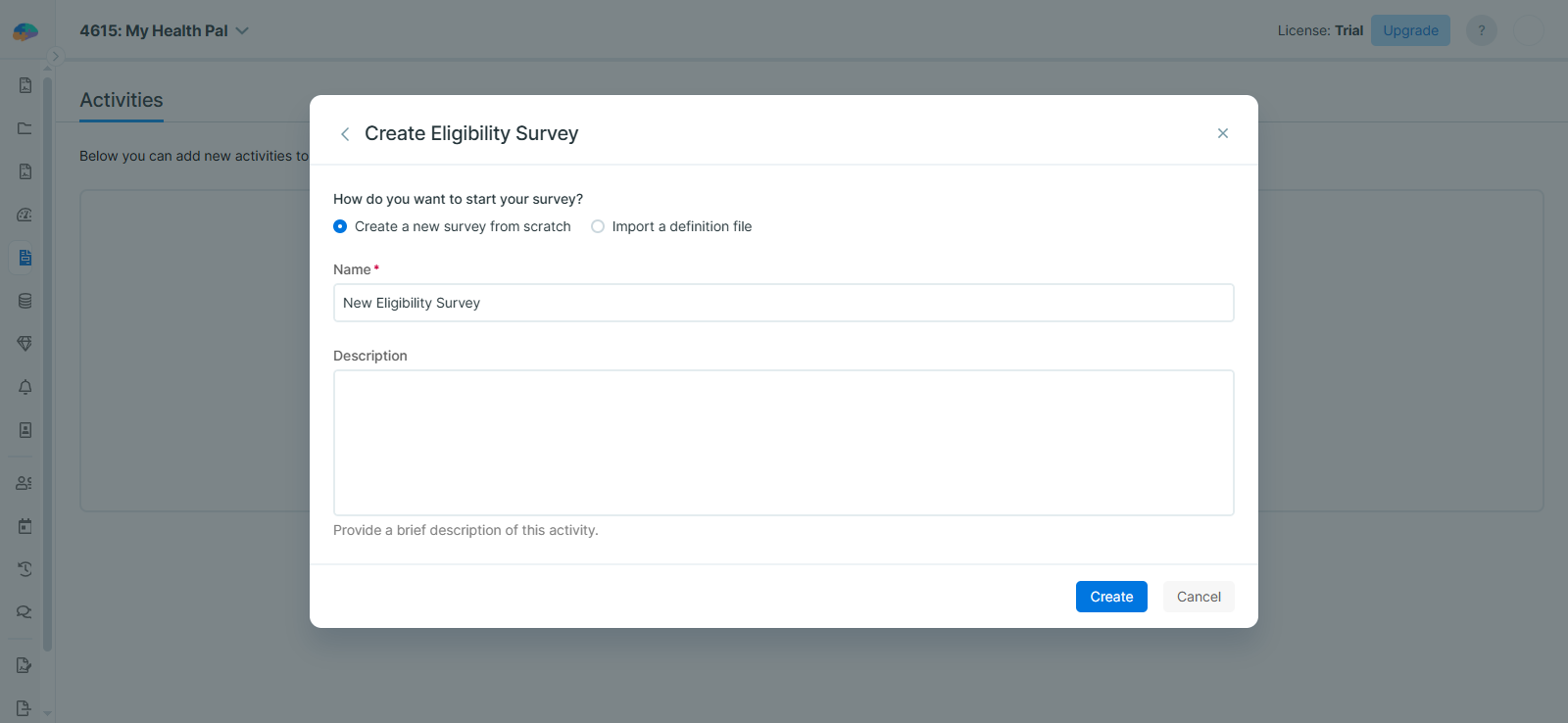
After providing a Name and Description, click Create to open the Activity Editor.
[!note]
The Eligibility Survey Activity editor does not include Triggering Logics or Notifications, as these sections are not applicable for eligibility surveys. -
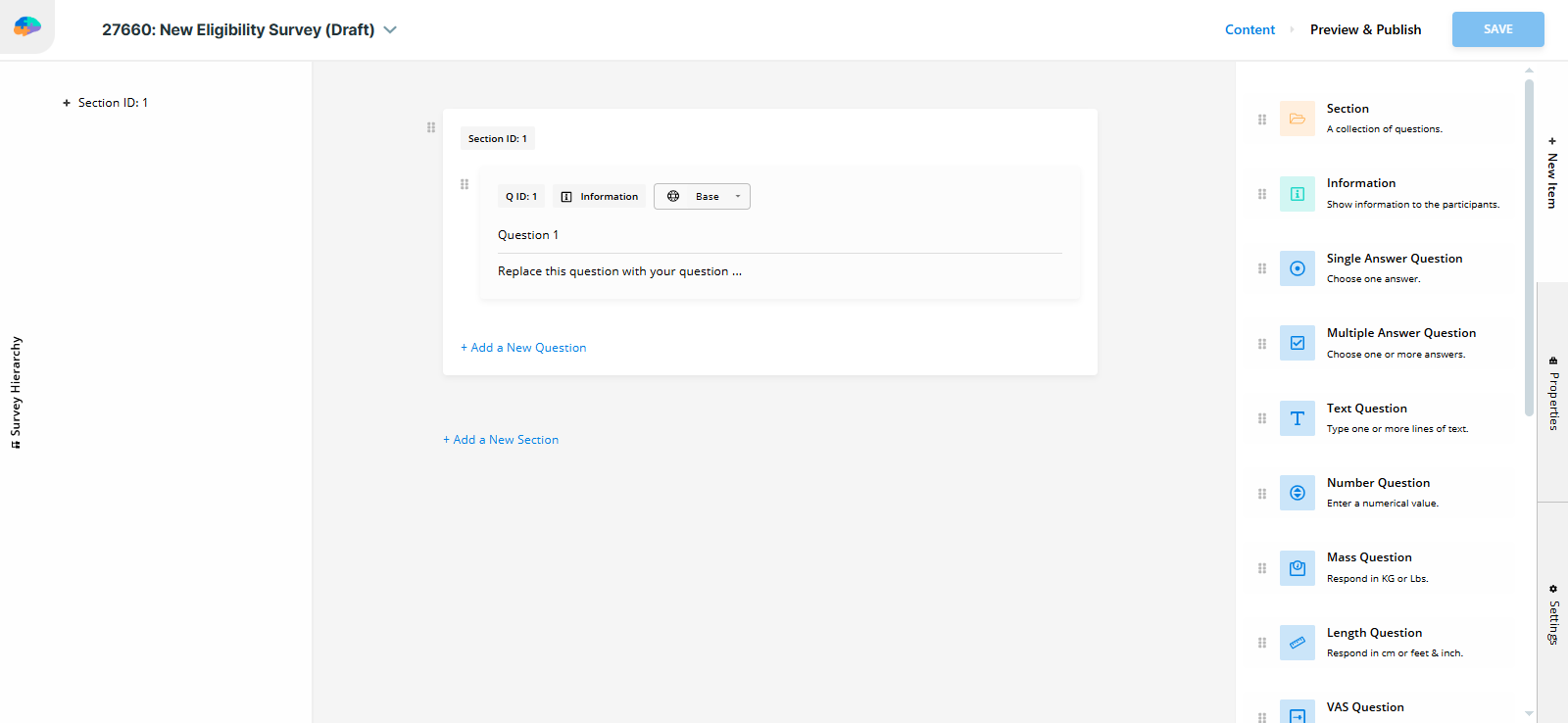
On the Content page, add the questions you want prospective participants to answer before joining your study.
-
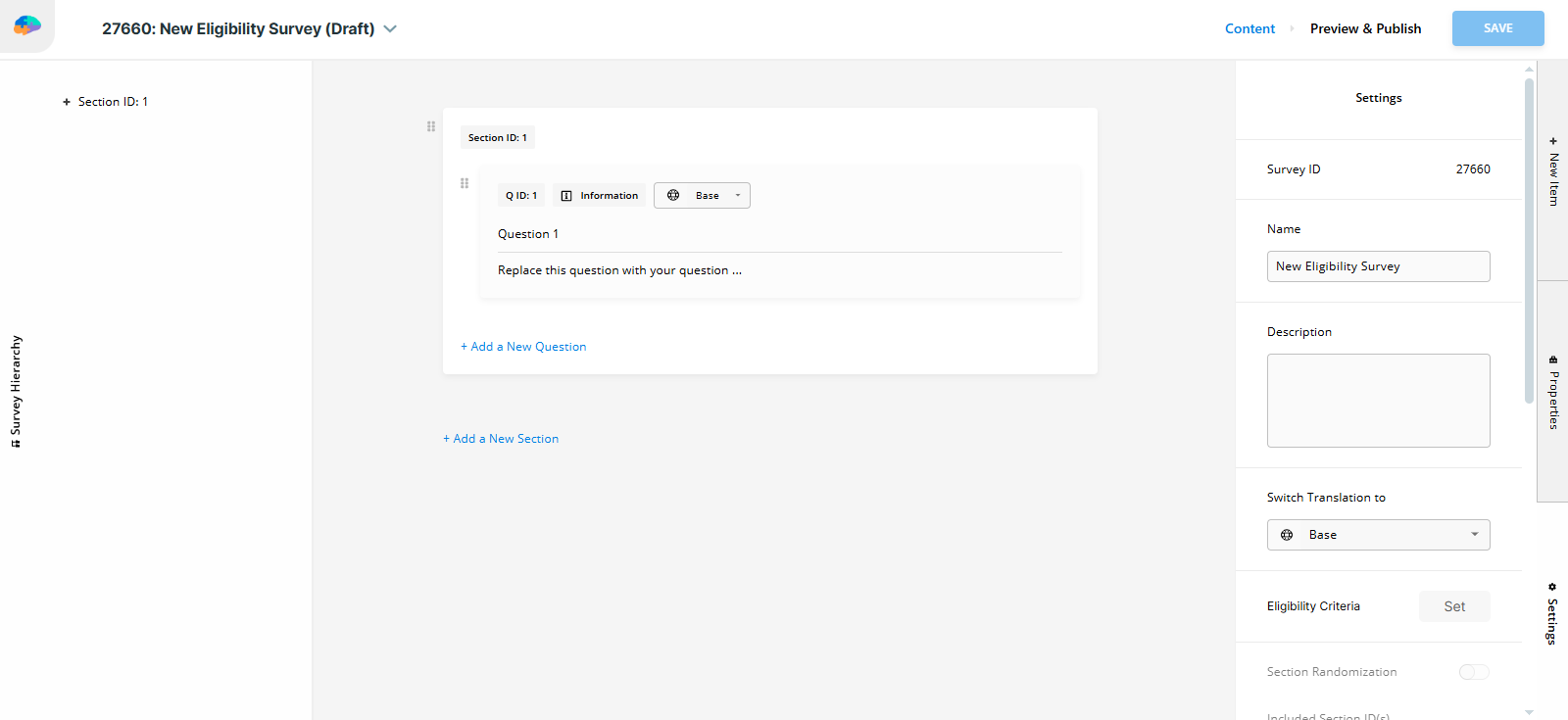
Open the Settings tab on the right.
-
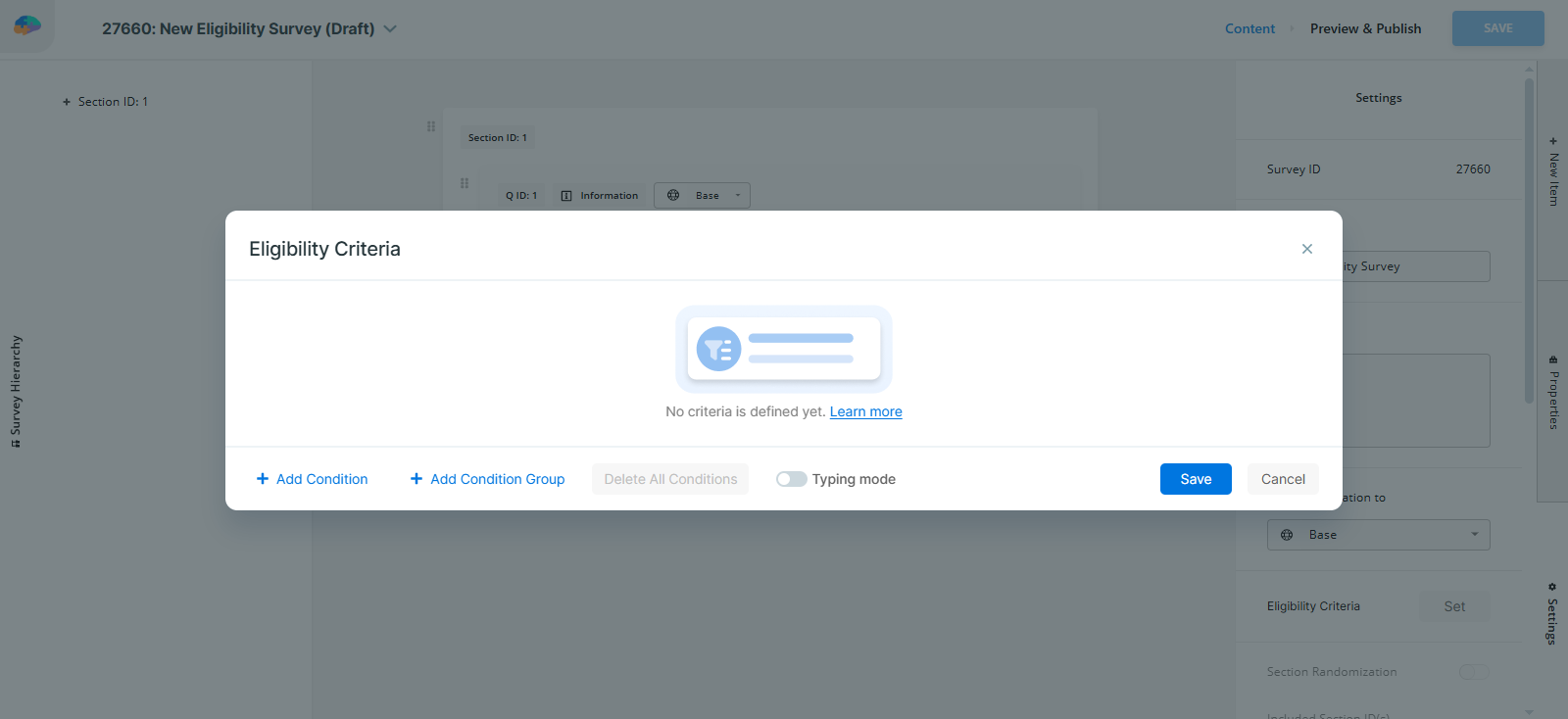
Set Criteria based on the questions you added. This criteria determines who is eligible or ineligible to proceed.
-
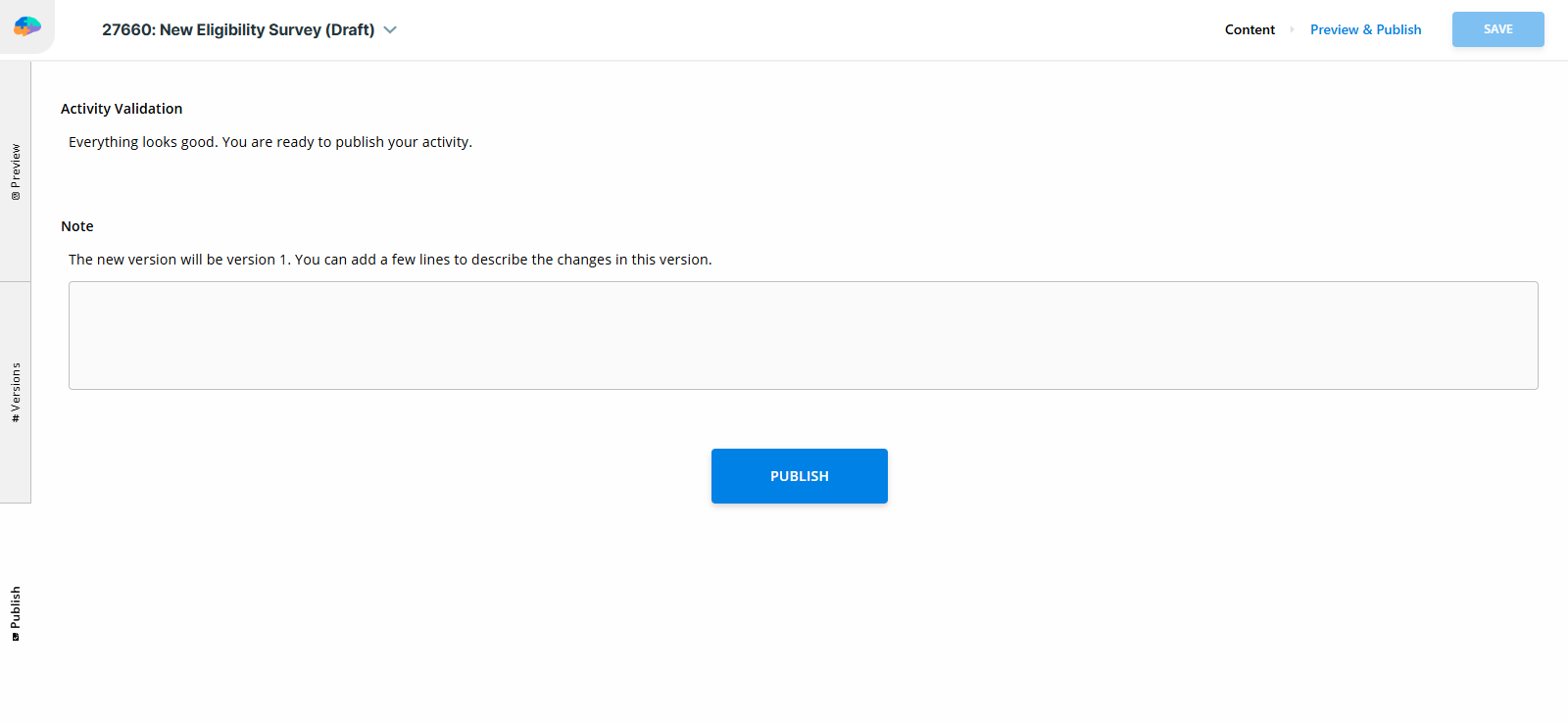
Go to the Preview and Publish page and publish your survey.
[!note]
- Participants may attempt the eligibility survey as many times as they wish. If they are marked ineligible on their first attempt, they may try again.
- Participants who cancel the survey or whose survey expires are considered ineligible.
- Conditions using a
since_regtoken are always evaluated as false.
View and Export Eligibility Survey Responses
You can view or export responses to your Eligibility Survey by navigating to the Activity Responses page in your Researcher Dashboard.